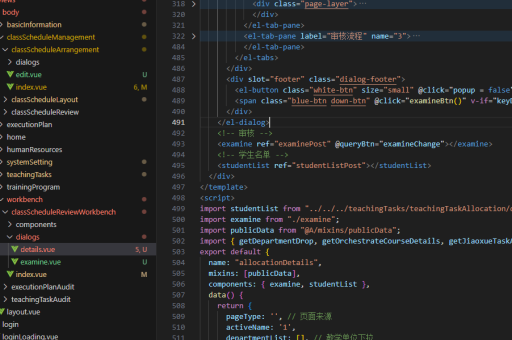
vue中mvc如何实现
在Vue中实现MVC(Model-View-Controller)模式可以通过以下方式组织代码结构,结合Vue的响应式特性和组件化思想:
模型(Model)
使用Vue的data或Vuex/Pinia管理应用状态,模型负责数据的存储和逻辑处理。
// 示例:在组件中定义模型
data() {
  return {
    users: [],
    formData: { name: '', email: '' }
  }
},
methods: {
  fetchUsers() {
    axios.get('/api/users').then(response => {
      this.users = response.data
    })
  }
}
视图(View)
Vue的单文件组件(.vue文件)的<template>部分天然对应视图层,负责UI展示。
<template>
  <div>
    <ul>
      <li v-for="user in users" :key="user.id">{{ user.name }}</li>
    </ul>
    <input v-model="formData.name" placeholder="Name">
  </div>
</template>
控制器(Controller)
通过Vue的methods和生命周期钩子处理用户交互和业务逻辑,充当控制器角色。
methods: {
  submitForm() {
    if (this.validateForm()) {
      axios.post('/api/users', this.formData)
        .then(() => this.fetchUsers())
    }
  },
  validateForm() {
    return this.formData.name.length > 0
  }
},
mounted() {
  this.fetchUsers()
}
进阶实现(Vuex方案)
对于复杂应用,可用Vuex/Pinia实现集中式状态管理:

// store.js (Model + Controller)
state: {
  users: []
},
mutations: {
  SET_USERS(state, payload) {
    state.users = payload
  }
},
actions: {
  async fetchUsers({ commit }) {
    const res = await axios.get('/api/users')
    commit('SET_USERS', res.data)
  }
}
组件连接
视图组件通过mapState/mapActions连接Store:
import { mapState, mapActions } from 'vuex'

computed: {
  ...mapState(['users'])
},
methods: {
  ...mapActions(['fetchUsers'])
}
这种模式中:
- Model:Vuex状态或组件数据
- View:模板渲染
- Controller:Vuex actions/mutations或组件方法
Vue的响应式系统自动处理数据绑定,无需手动同步视图和模型。