Vue实现首次登录弹窗
Vue实现首次登录弹窗的方法
使用本地存储(localStorage)记录登录状态
在用户首次登录时,通过检查localStorage中是否存在特定标记来判断是否需要显示弹窗。如果标记不存在,则显示弹窗并设置标记。
// 在登录成功的回调中
if (!localStorage.getItem('hasShownWelcomePopup')) {
  this.showPopup = true;
  localStorage.setItem('hasShownWelcomePopup', 'true');
}
封装弹窗组件
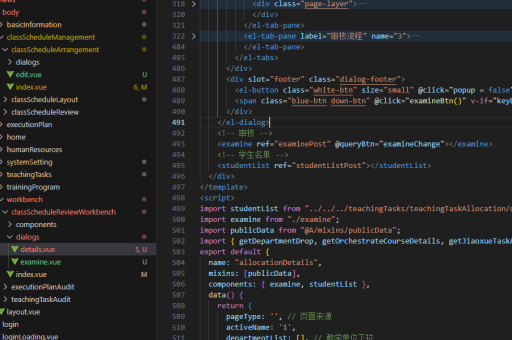
创建一个独立的弹窗组件,包含模板、样式和逻辑。组件通过props控制显示状态,通过emit事件通知父组件关闭。
<template>
  <div v-if="visible" class="popup-overlay">
    <div class="popup-content">
      <h3>欢迎首次登录</h3>
      <button @click="$emit('close')">确定</button>
    </div>
  </div>
</template>

<script>
export default {
  props: ['visible'],
  emits: ['close']
}
</script>
全局状态管理(适用于复杂场景)
对于需要跨组件共享弹窗状态的场景,可以使用Vuex或Pinia管理弹窗状态。在store中定义状态和mutations。

// Pinia示例
import { defineStore } from 'pinia';

export const usePopupStore = defineStore('popup', {
  state: () => ({
    showWelcomePopup: false
  }),
  actions: {
    checkFirstLogin() {
      if (!localStorage.getItem('hasShownWelcomePopup')) {
        this.showWelcomePopup = true;
        localStorage.setItem('hasShownWelcomePopup', 'true');
      }
    }
  }
});
路由守卫控制
结合Vue Router的路由守卫,在特定路由跳转时检查是否需要显示弹窗。这种方式适合需要在特定页面展示欢迎信息的情况。
router.beforeEach((to, from, next) => {
  if (to.meta.requiresAuth && !localStorage.getItem('hasShownWelcomePopup')) {
    store.commit('showWelcomePopup');
  }
  next();
});
注意事项
- 清除localStorage标记时需要同步更新组件状态
- 移动端需要考虑弹窗的响应式布局
- 重要提示弹窗应确保用户必须交互后才能继续操作