vue实现商品规格
商品规格的数据结构设计
商品规格通常采用树形结构,包含规格组(如颜色、尺寸)和规格项(如红色、XL)。数据结构可设计为:
specs: [
  {
    name: '颜色',
    items: [
      { id: 1, name: '红色' },
      { id: 2, name: '黑色' }
    ]
  },
  {
    name: '尺寸',
    items: [
      { id: 3, name: 'XL' },
      { id: 4, name: 'XXL' }
    ]
  }
]
规格选择组件实现
创建可复用的规格选择组件,使用v-for渲染规格组和规格项:
<template>
  <div v-for="spec in specs" :key="spec.name">
    <h3>{{ spec.name }}</h3>
    <div class="spec-items">
      <span
        v-for="item in spec.items"
        :key="item.id"
        :class="{ active: selectedSpecs[spec.name] === item.id }"
        @click="selectSpec(spec.name, item.id)"
      >
        {{ item.name }}
      </span>
    </div>
  </div>
</template>
规格选择逻辑处理
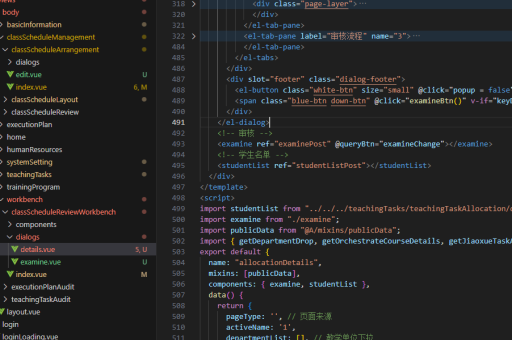
在data中维护已选规格对象,通过方法处理选择逻辑:
data() {
  return {
    selectedSpecs: {},
    specs: [...] // 规格数据
  }
},
methods: {
  selectSpec(specName, itemId) {
    this.$set(this.selectedSpecs, specName, itemId)
    this.checkCombination()
  }
}
规格组合验证
根据已选规格验证是否存在对应的SKU:
methods: {
  checkCombination() {
    const selected = Object.values(this.selectedSpecs)
    const matchedSku = this.skus.find(sku =>
      selected.every(id => sku.specIds.includes(id))
    )

    if (matchedSku) {
      this.validCombination = true
      this.currentSku = matchedSku
    } else {
      this.validCombination = false
    }
  }
}
规格联动与禁用
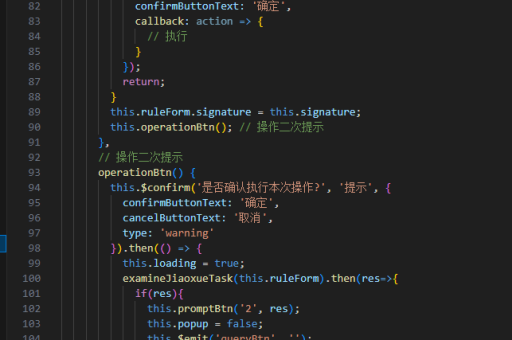
当某些规格组合不存在时,禁用不可选的规格项:
computed: {
  disabledItems() {
    const disabled = {}
    this.specs.forEach(spec => {
      disabled[spec.name] = []
      spec.items.forEach(item => {
        const tempSelected = {...this.selectedSpecs}
        tempSelected[spec.name] = item.id
        const selectedIds = Object.values(tempSelected)

        const exists = this.skus.some(sku =>
          selectedIds.every(id => sku.specIds.includes(id))
        )

        if (!exists) disabled[spec.name].push(item.id)
      })
    })
    return disabled
  }
}
规格与SKU关联
SKU数据结构应包含规格ID组合和库存信息:
skus: [
  {
    id: 1,
    specIds: [1, 3], // 红色 + XL
    price: 99,
    stock: 10
  },
  {
    id: 2,
    specIds: [2, 4], // 黑色 + XXL
    price: 109,
    stock: 5
  }
]
完整商品页示例
整合规格选择、价格显示和购买按钮:
<template>
  <div class="product-page">
    <spec-selector
      :specs="specs"
      :skus="skus"
      @spec-change="handleSpecChange"
    />

    <div v-if="currentSku">
      <p>价格: {{ currentSku.price }}</p>
      <p>库存: {{ currentSku.stock }}</p>
      <button @click="addToCart">加入购物车</button>
    </div>
  </div>
</template>